
Why Does My Client Certificate Not Work? Troubleshooting mTLS Client-Side Failures
A server certificate failing is usually loud and generic — “not trusted,” a red padlock. A client certificate failing in mTLS is quieter and more specific: a connection reset, a generic 403, or a TLS alert with no explanation. The certificate itself is rarely the actual problem; how it’s being presented usually is.
Step 1: Confirm the client is actually sending a certificate
Before debugging the certificate, confirm it’s in the handshake at all.
openssl s_client -connect api.example.com:443 -cert client.pem -key client-key.pem -CAfile ca.pem -state </dev/nullRun the same command without -cert/-key and diff the two outputs. If the server behaves
identically either way, the client isn’t presenting a certificate — that’s a client
configuration problem (wrong path, wrong environment variable, HTTP library not wired up to send
the cert), not a certificate problem. Fix that first; everything below assumes the certificate is
actually reaching the server.
Step 2: Verify the private key actually matches the certificate
The single most common silent failure. A mismatched key/certificate pair produces no descriptive error — the handshake just fails.
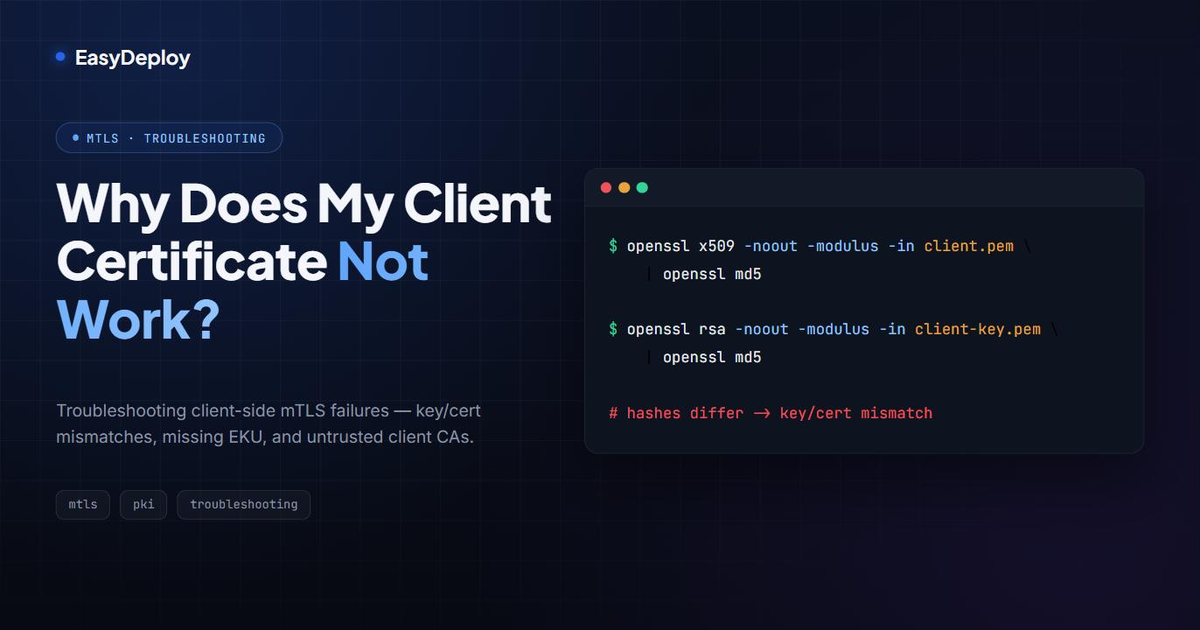
openssl x509 -noout -modulus -in client.pem | openssl md5
openssl rsa -noout -modulus -in client-key.pem | openssl md5
If the two hashes don’t match, you’re pairing a certificate with the wrong key — often the result of regenerating one half of the pair and forgetting to redistribute the other.
Step 3: Check the Extended Key Usage (EKU)
openssl x509 -in client.pem -noout -text | grep -A1 "Extended Key Usage"You’re looking for TLS Web Client Authentication. Certificates minted from a server certificate
template — a very easy mistake when generating certs by hand or from a generic internal CA
script — often have TLS Web Server Authentication instead, or no EKU restriction at all. Some
TLS stacks are lenient about this; strict ones (and most mTLS gateways) reject the handshake
outright, with an error that rarely mentions EKU by name.
Step 4: Check whether the certificate has expired — and check the client CA too
openssl x509 -in client.pem -noout -dates
openssl x509 -in ca.pem -noout -dates
Same principle as server-side troubleshooting: check the whole chain, not just the leaf. A client CA that’s expired or been rotated without redistributing new client certificates will fail every client that was issued under the old one.
Step 5: Confirm the server actually trusts this client’s CA
This is a server-side check, but it’s the most common root cause once steps 1–4 are ruled out.
The client certificate can be entirely valid and still get rejected if the CA that signed it isn’t
in the server’s client-CA trust list (SSLCACertificateFile, a Kubernetes ConfigMap used for
mTLS verification, an API gateway’s trusted-CA bundle — the exact mechanism depends on what’s
terminating TLS).
openssl x509 -in client.pem -noout -issuerCompare that issuer against what the server is actually configured to trust. A mismatch here looks identical, from the client’s side, to every other failure in this list — the only way to tell them apart is checking the server configuration directly.
Step 6: Rule out multiple-certificate ambiguity
If the client environment has more than one certificate available — multiple entries in a
keystore, several certificates installed in a browser, a CI runner with leftover certs from a
previous job — confirm the right one is actually being selected. curl --cert and equivalent
explicit flags remove this ambiguity; browsers and some SDKs pick automatically and can pick
wrong.
Common causes, ranked by how often they turn out to be it
| Cause | How to confirm |
|---|---|
| Key/certificate mismatch | Step 2 — modulus hash comparison |
| Server doesn’t trust the client’s CA | Step 5 — compare issuer to server’s trusted-CA list |
| Missing/wrong Extended Key Usage | Step 3 — grep the cert’s EKU |
| Client not sending a certificate at all | Step 1 — diff handshakes with/without -cert |
| Expired client cert or client CA | Step 4 — check dates on both |
| Wrong certificate selected among several | Step 6 |
Client-side certificates fail quietly — that’s the actual problem
Every cause above shares one trait: nothing loudly announces which one it is. A server certificate failure at least tells the user something’s wrong; a client certificate failure typically just looks like “the request didn’t work.” That’s expensive to debug on demand, and it’s exactly the kind of issue that’s cheap to prevent — knowing which client certificates exist, who issued them, what CA they chain to, and when they expire, before someone’s mTLS connection quietly starts failing. That inventory-and-expiry problem, for every certificate — client or server — is what Certifier tracks.
Frequently asked questions
Why does my client certificate work in curl but not in the browser (or vice versa)?
Different clients handle certificate selection differently. curl uses exactly the certificate you pass with --cert; a browser picks from certificates installed in the OS or browser keystore and may silently offer the wrong one, or none, if there's ambiguity. If it works in curl but not the browser, the certificate itself is fine — the problem is which certificate the browser is actually presenting.
How do I check if my private key matches my certificate?
Compare the modulus hash of both: openssl x509 -noout -modulus -in client.pem | openssl md5 and openssl rsa -noout -modulus -in client-key.pem | openssl md5. If the two hashes differ, the key and certificate don't belong together — a very common cause of "client certificate not work" that produces no useful error message.
What is the Extended Key Usage field and why does it matter for client certificates?
Extended Key Usage (EKU) declares what a certificate is allowed to be used for. A client certificate needs "TLS Web Client Authentication" (OID 1.3.6.1.5.5.7.3.2) in its EKU. Certificates generated without it — common when someone reuses a server certificate template — will be rejected by strict servers even though every other field looks correct.
Why does the server say no certificate was presented, even though I configured one?
Usually one of three things: the client library isn't actually attaching the certificate to the handshake (a config or code path issue, not a certificate issue), the server is requesting the client certificate through post-handshake / renegotiation and the client doesn't support it, or you're hitting a different endpoint or load balancer path than the one configured for mTLS.
Can a client certificate be valid but still rejected because the server doesn't trust its CA?
Yes, and it's one of the most common causes. The client certificate can be perfectly valid, unexpired, with the right EKU — but if the CA that signed it isn't in the server's client-CA trust list, the server will reject the handshake. This is a server-side configuration issue, not a problem with the certificate itself.
How do I debug an mTLS handshake failure step by step?
Start with openssl s_client -connect host:443 -cert client.pem -key client-key.pem -CAfile ca.pem -state, which prints each handshake step. Compare that against a plain connection without -cert/-key to see exactly where the two diverge — that tells you whether the client is sending the certificate at all, and where the server rejects it.
Related articles
Why Is My Certificate Not Trusted? A Systematic Troubleshooting Checklist
A step-by-step way to find out why a certificate shows as untrusted — chain, expiry, hostname, clock skew, and revocation — with the exact OpenSSL commands to check each one.
How to Generate an SSL Certificate: OpenSSL Step-by-Step Guide (Self-Signed & CSR)
A practical, copy-pasteable guide to generating SSL/TLS certificates with OpenSSL — private keys, self-signed certs, CSRs, and Subject Alternative Names.

SSL/TLS Certificates: the silent foundation of the internet that too often fails
Why SSL/TLS incidents are rarely about cryptography and mostly about management. Cases and takeaways for engineering teams.