
PKIaaS vs. SaaS PKI vs. Cloud PKI: Three Labels, Three Very Different Contracts
A team I talked to during Customer Discovery had gotten three quotes for “PKI as a service” from three vendors. One wanted them to run VMs in their own AWS account. One wanted a monthly subscription and gave them an admin console. One wanted a kickoff call to talk about their CP/CPS. Same search term, three completely different products, and nobody on the buying side could tell you why the price varied by 8x — because nobody had separated “where does this run” from “who operates it” from “who’s actually on the hook when it goes wrong.”
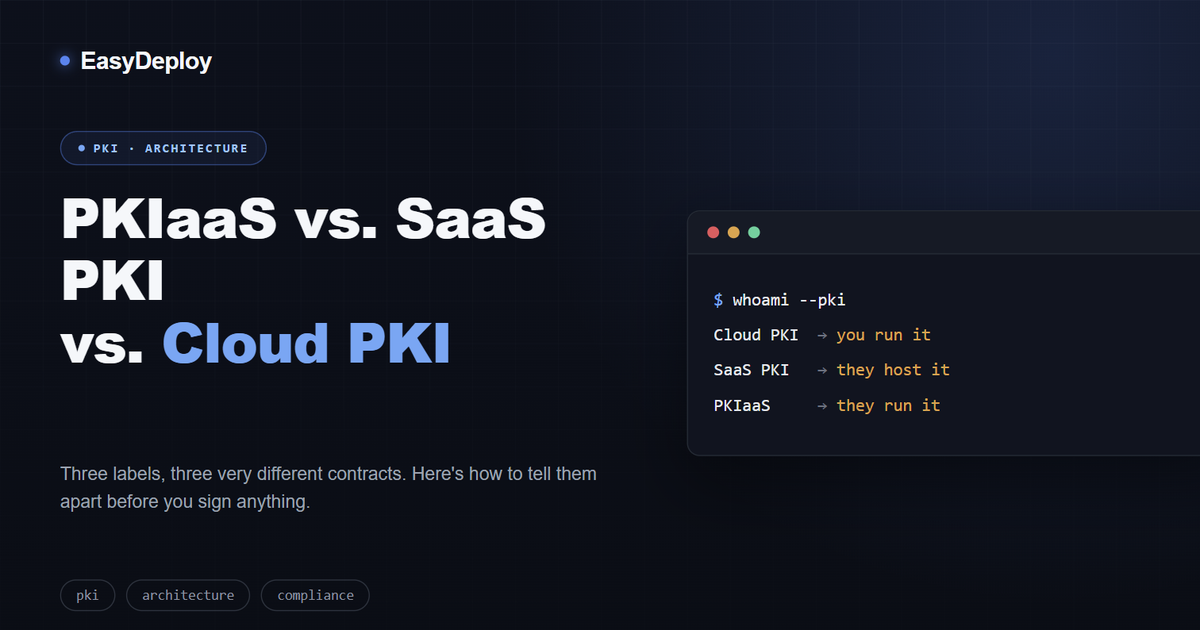
That’s the whole problem with this corner of PKI vocabulary. Cloud PKI, SaaS PKI, and PKIaaS get used as if they’re synonyms in half the marketing material you’ll read, and they aren’t. They answer three different questions, and mixing them up is how you end up signing a contract that doesn’t match the operational model you thought you were buying.
The three models, in plain terms
Self-managed Cloud PKI means you run the CA software yourself, on infrastructure you control — an EC2 instance, a Kubernetes cluster, a managed database, maybe a cloud HSM. “Cloud” here just describes where the compute lives. You own the root key, you write the certificate policy, you’re the one who gets paged when the CA process falls over. This is the closest thing to running PKI on-prem, minus the physical hardware.
SaaS PKI hands the infrastructure to a vendor. They run the compute, the HSMs, the databases, the uptime — you log into a console and configure certificate profiles, enrollment workflows, and issuance rules. You’re still the one deciding what gets issued and to whom; you’ve just stopped worrying about patching the box it runs on. This is the same shift you already made with, say, a managed database: less racking and patching, same amount of schema design.
PKIaaS takes the next layer away too. The vendor doesn’t just host the infrastructure — they run the PKI operations: designing the CA hierarchy, performing the root ceremony, drafting the Certificate Policy and Certification Practice Statement, monitoring issuance around the clock. You’re not configuring a PKI so much as commissioning one and reviewing what comes out of it. Reputable providers still give you legal and cryptographic control over the root through an escrow arrangement, so “fully managed” doesn’t have to mean “no way out” — but you should get that in writing, not implied.
Where they actually diverge
| Self-managed Cloud PKI | SaaS PKI | PKIaaS | |
|---|---|---|---|
| Runs the infrastructure | You | Vendor | Vendor |
| Sets issuance policy day-to-day | You | You | Vendor, with your input |
| Root key custody | You, always | Depends on vendor | Vendor, usually escrowed to you |
| First certificate issued | Weeks–months | Days–weeks | A few weeks (ceremony + CP/CPS take time) |
| Ceiling on customization | Whatever you can build | High, within the vendor’s config surface | Moderate — you’re buying a process, not a blank canvas |
| Who’s paged for a CA incident | You | Split, defined by SLA | Vendor, contractually |
| Pricing shape | Capex/opex on compute + HSM | Subscription | Subscription, usually with a service component |
The row that trips people up most isn’t infrastructure or price — it’s the second one. Plenty of teams buy “SaaS PKI” assuming they’ve outsourced PKI decision-making, and then discover during an audit that they’re still the ones who have to justify why a certificate profile allows an 825-day validity period. The vendor moved the servers. They didn’t move the policy responsibility.
Single-tenant vs. multi-tenant is the question vendors would rather you not ask first
Once you’re past “who hosts this,” the next real question is isolation. A multi-tenant SaaS or PKIaaS platform can be perfectly secure — but if another customer’s misconfigured enrollment endpoint, compromised API key, or bad certificate profile shares infrastructure with yours, your blast radius and your audit story both just got more complicated to explain. For anything issuing certificates that back production traffic or feed a compliance scope, ask directly whether tenants are isolated at the CA level, not just at the UI/account level, and ask to see the SOC 2 Type II report rather than a badge on a website. “We’re SOC 2 compliant” and “here’s our current Type II report, scoped to this service” are not the same sentence.
How to actually pick one
Skip the maturity-model diagrams and match it to who’s going to operate it:
- You already have someone who can run a CA correctly, and you need certificates that never leave your infrastructure boundary (internal mTLS, air-gapped environments, strict data-residency requirements) → self-managed Cloud PKI. You’re paying in engineering time, not subscription cost.
- You need to stand up real PKI fast, your team can own configuration but doesn’t want to own uptime and HSM lifecycle → SaaS PKI. This is the right default for most DevOps and platform teams scaling certificate issuance across environments.
- You need enterprise-grade PKI and nobody on your team wants to become the de facto CA operator, own the CP/CPS, or be the single point of failure for root ceremonies → PKIaaS. You’re buying expertise and accountability, not just infrastructure.
None of these are permanent decisions. It’s completely normal to run a self-managed private CA for east-west service traffic where you want zero per-certificate cost and total control, while routing anything touching external trust or compliance scope through a SaaS or PKIaaS provider. The failure mode isn’t choosing the “wrong” tier — it’s not being able to say, today, which tier each of your CAs is actually running on.
The one thing none of these three models solve for you
Here’s the part that gets skipped in every vendor comparison, because it’s true regardless of which of the three models you pick: none of them, on their own, tell you when a certificate they issued is about to expire on a server nobody’s looked at in eight months. Self-managed, SaaS, or PKIaaS — the CA’s job ends at issuance. What happens to that certificate afterward, across every environment it landed in, is a separate problem, and it’s the one that actually causes outages.
That’s the gap Certifier sits in. It doesn’t compete with your CA choice — it watches what your CA (whichever kind it is) actually issued, tracks expiry and chain health across every environment, and flags a problem before a client has to fail a handshake to tell you about it. Picking the right PKI model gets you correct certificates. Something has to make sure they’re still correct six months from now.
Frequently asked questions
What's the actual difference between Cloud PKI, SaaS PKI, and PKIaaS?
Cloud PKI describes where the infrastructure runs, not who operates it — it spans everything from a self-managed CA in your own AWS account to a fully vendor-run service. SaaS PKI is more specific: the vendor runs the infrastructure (compute, HSMs, databases), but you still configure and operate the PKI itself — certificate profiles, enrollment, issuance policy. PKIaaS goes one step further and hands the vendor the PKI operations too: CA design, root ceremonies, CP/CPS documents, day-to-day policy decisions. You're buying an outcome, not a platform.
Who owns the root CA key in each model?
In self-managed Cloud PKI, you hold it, full stop. In SaaS PKI, it depends entirely on the vendor's architecture — some let you generate and hold your own root, others generate it for you and keep custody. In PKIaaS, the vendor typically generates and operates the root, but a properly run offering escrows the key so you retain legal and cryptographic recourse if you ever need to walk away. If a vendor can't explain their escrow arrangement in one sentence, that's your answer.
Is PKIaaS less secure than running your own PKI?
Not inherently — for most teams it's the opposite. A vendor whose entire business is operating CAs correctly will usually run tighter key ceremonies, better HSM hygiene, and more consistent audits than an internal team doing it as a side responsibility. The real risk in PKIaaS isn't the crypto, it's the blast radius of a shared, multi-tenant environment and how much you can actually verify about it — which is why single-tenant isolation and a real SOC 2 Type II report matter more than the marketing page.
How long does each model take to get a first certificate issued?
Self-managed Cloud PKI is measured in weeks to months — you're standing up CAs, writing policy, provisioning HSMs. SaaS PKI is usually days to a couple of weeks, since the infrastructure already exists and you're mostly doing configuration. PKIaaS lands in between, typically a few weeks, because a chunk of that time is the vendor running a proper root CA ceremony and drafting CP/CPS documents with you rather than handing you a self-service console on day one.
Do I have to pick just one model?
No, and increasingly nobody does. It's common to run a self-managed private CA for internal service-to-service mTLS where you want maximum control and zero recurring cost per certificate, while using a SaaS or PKIaaS provider for anything that touches external trust, partner integrations, or compliance-scoped issuance. The mistake isn't picking the "wrong" model — it's not knowing which model you actually picked.
Related articles
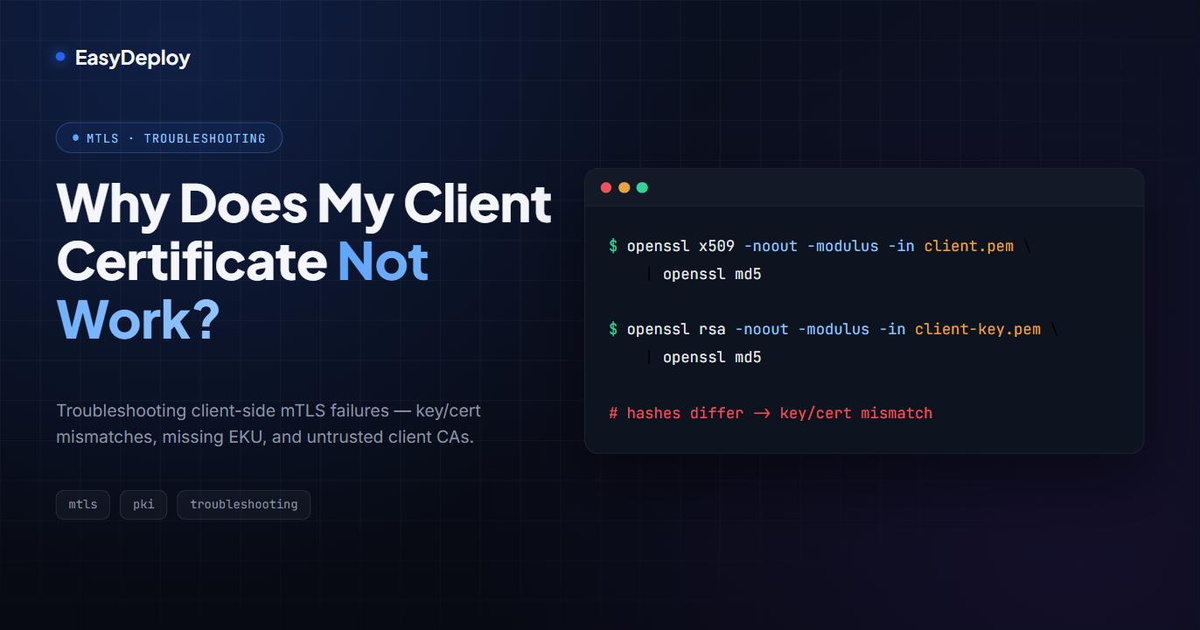
Why Does My Client Certificate Not Work? Troubleshooting mTLS Client-Side Failures
A troubleshooting guide for client certificates that fail mTLS authentication — key/cert mismatches, missing Extended Key Usage, untrusted client CAs, and how to debug each one.
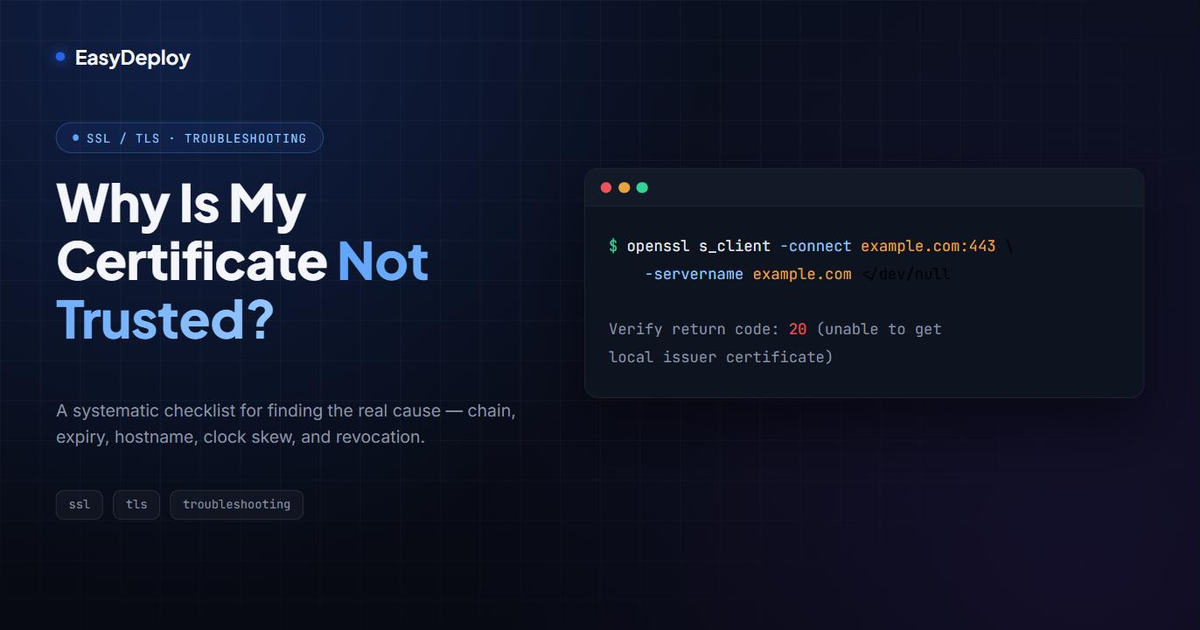
Why Is My Certificate Not Trusted? A Systematic Troubleshooting Checklist
A step-by-step way to find out why a certificate shows as untrusted — chain, expiry, hostname, clock skew, and revocation — with the exact OpenSSL commands to check each one.
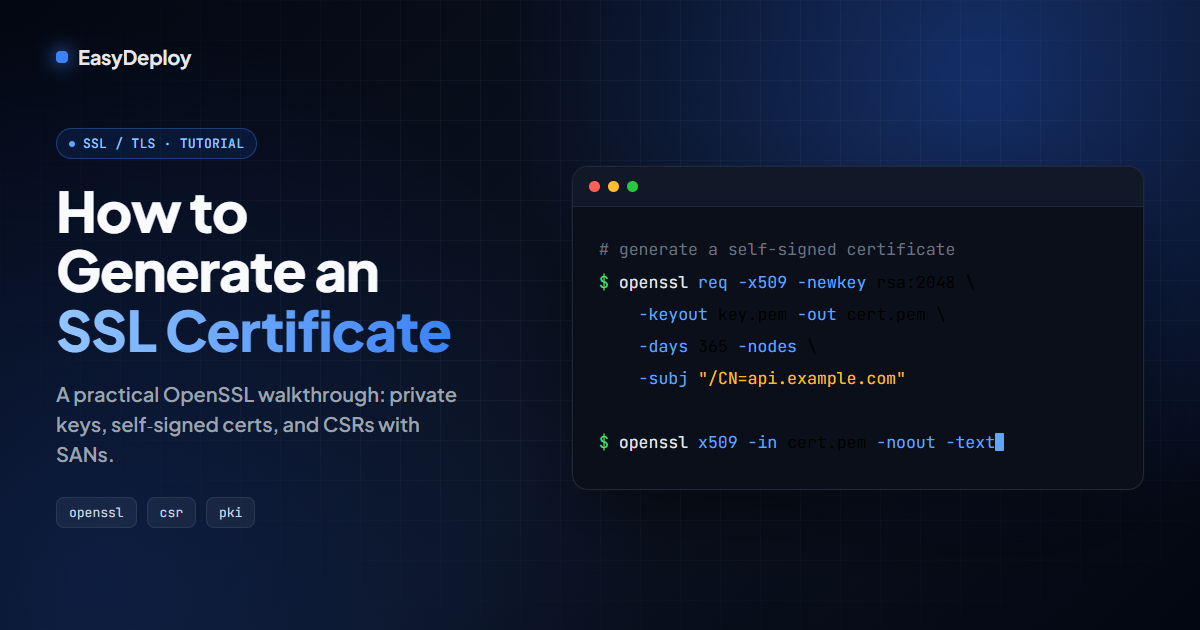
How to Generate an SSL Certificate: OpenSSL Step-by-Step Guide (Self-Signed & CSR)
A practical, copy-pasteable guide to generating SSL/TLS certificates with OpenSSL — private keys, self-signed certs, CSRs, and Subject Alternative Names.